

How to Use AI Writing Tools Without Losing Your Voice
AI can draft a page in seconds and flatten it in the same breath. The difference between helpful and generic is a workflow, not a better prompt.
AI writing tools are good at producing text and bad at knowing what the text is for. That is not a small distinction. A model can generate a thousand words on almost any topic in seconds, but it cannot tell whether those words answer the reader's question, match the brand or survive a fact check. The writer still owns all three.
This guide is the workflow we use for our own publishing: where AI helps, where it actively hurts, and the checks that keep a piece accurate and recognisably human. It assumes you write for a real audience and care about your name on the page.
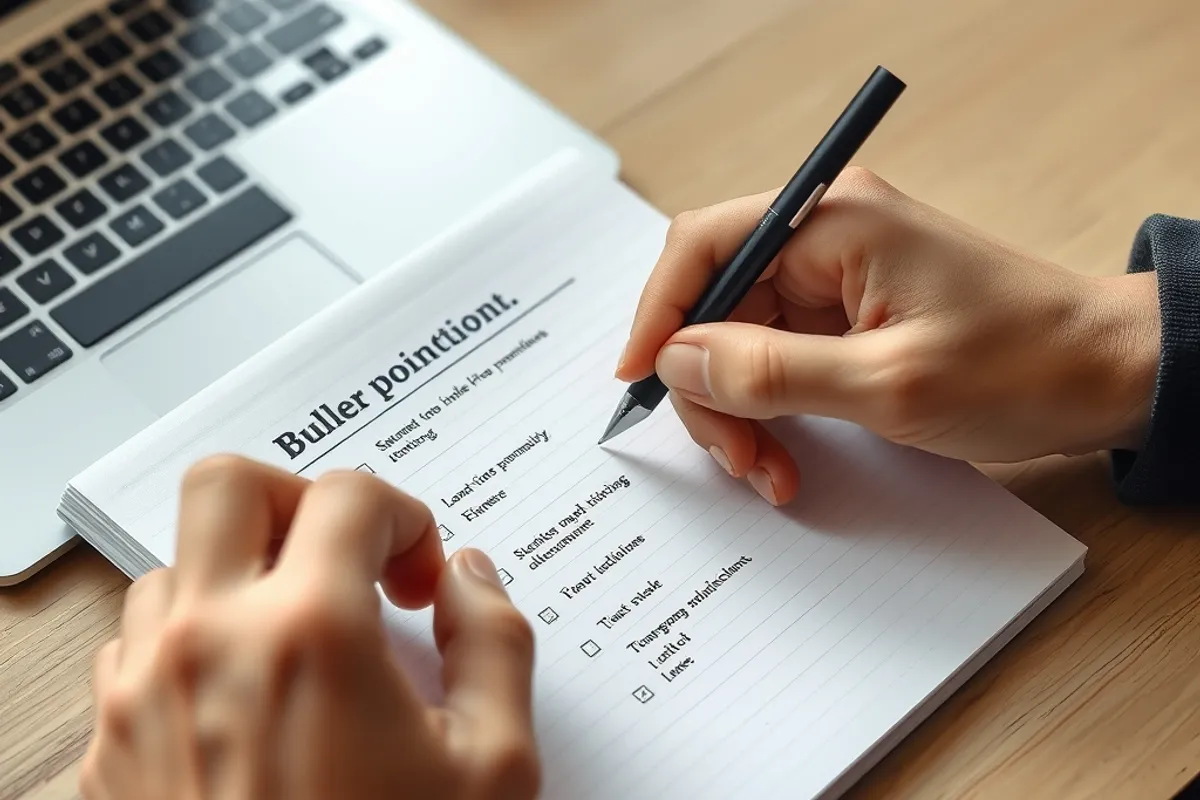
Start with your own notes, not a blank prompt
The most common mistake is opening a chat window and asking for an article. You get a generic structure built from the average of the internet, which is exactly what your reader has already seen. Instead, write five to ten bullet points first: the argument, the examples, the numbers you trust, the objection you want to answer. That page of notes is the raw material only you have.
Feed the notes to the tool and ask for an outline, not a draft. An outline is easy to judge and cheap to change. You can see whether the argument is in the right order before anyone spends an hour polishing sentences that should not exist. This single change removes most of the rework.
Use AI for structure and drudgery
Once the outline is yours, AI is genuinely useful for the parts of writing that are mechanical: expanding a bullet into a paragraph you will rewrite, suggesting transitions, shortening a section that ran long, or producing three versions of a headline for you to choose from. It is also good at the jobs around the article, such as meta descriptions, alt text and a first pass at internal links.
What it should not do is invent facts, quotes or statistics. Models produce confident numbers that do not exist, and a single fabricated figure can destroy trust in an otherwise good piece. Any claim that carries money, health or safety needs a source you opened yourself, not a citation the tool offered.
The editing pass that saves the piece
Read the draft aloud. Anything you would not say to a colleague gets cut or rewritten. AI tends to produce balanced, slightly hollow sentences: "it is important to consider", "in today's fast-paced world", "this can help to ensure". Those phrases are signals that no human made a decision. Replace them with a specific subject and a verb.
- Cut the throat-clearing opening; start with the claim.
- Replace abstract nouns with people doing things.
- Keep one idea per paragraph and one job per sentence.
- Check every number, name and quotation against a source.
- Read the first and last lines together; they should agree.
Then do a separate accuracy pass. Open each source, confirm the figure, and delete anything you cannot verify. It feels slow, and it is the difference between content and noise. A short, correct article outperforms a long, plausible one every time.
AI can write a sentence. Only you can decide whether the sentence should exist.
Maya Ellison
Disclosure, accuracy and copyright
Be honest about how a piece was made. A short note that AI assisted with outlining or editing is enough for most publications, and it protects you if a reader asks. Do not claim human authorship of text you did not write, and do not pass AI-generated images off as photographs of a real product or place.
Copyright is messier than the marketing suggests. Model output may not be protectable in some jurisdictions, and training data disputes are still being tested in court. For commercial work, keep your own notes and edits as evidence of authorship, avoid prompting in the style of a living creator, and have a lawyer review anything high-value. The safe habit is to treat AI output as a draft you must transform, not a finished asset you can own.
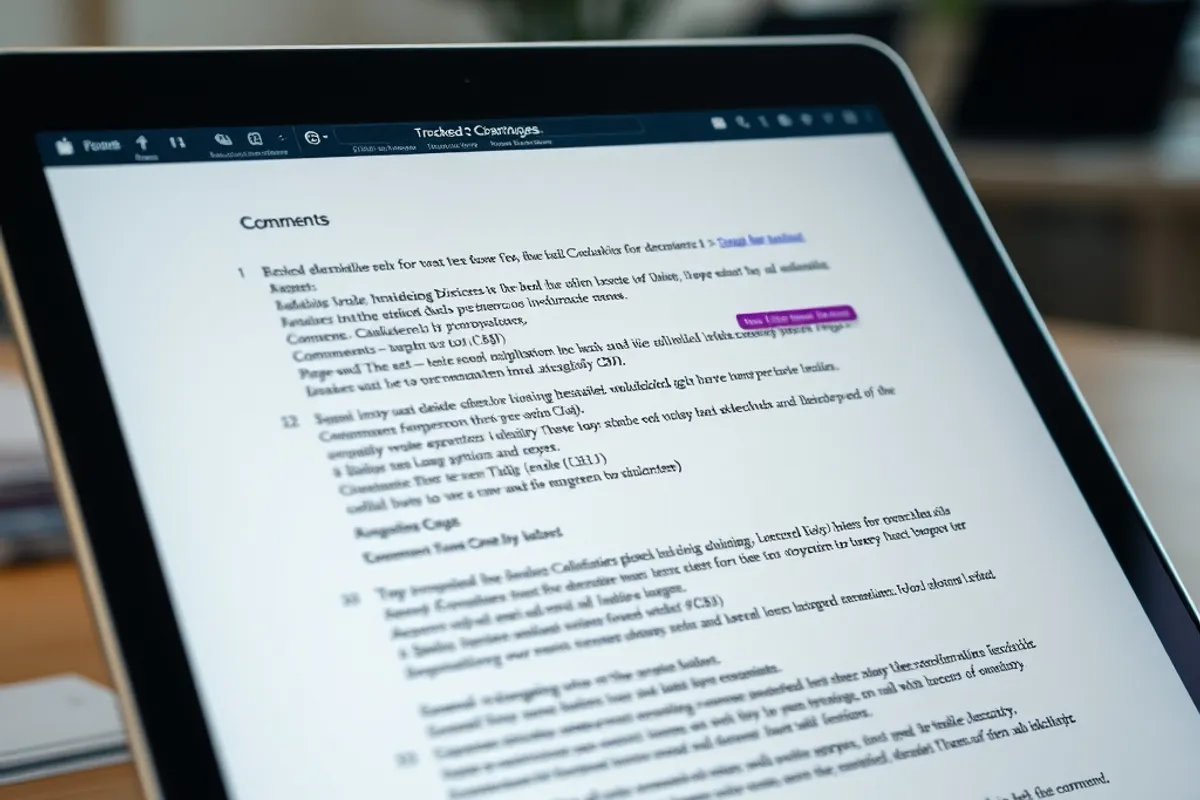
A workflow that keeps your voice
Notes first, outline second, draft third, human edit fourth, fact check fifth. Keep the tool on a short leash at every stage, and never let it write the conclusion. The conclusion is where you say what you actually think, and that is the part readers remember.
- Write your own notes before opening any AI tool.
- Ask for an outline, not a finished article.
- Use AI for transitions, headlines, meta text and alt text.
- Verify every number and quotation against a source you opened.
- Disclose assistance and keep your edits as proof of authorship.
Final word
AI writing tools reward writers who already know what they want to say. They punish anyone hoping to skip the thinking, because the thinking is the product. Use them to remove friction, not to outsource judgement, and your voice will survive the transition. For the brief that keeps a team consistent, see our SEO content brief guide, and for the wider picture read what actually works in everyday AI.