
AI in Everyday Technology: What Actually Works in 2026
AI is now inside search, phones and office software. The useful question is not what it can do, but which parts of it you should actually rely on.
Artificial intelligence stopped being a separate product somewhere around 2025. It is now a button in a search box, a setting on a phone and a panel in the corner of an office document. That makes the practical question harder, not easier: with AI everywhere, which parts are worth relying on and which are still a demo with a marketing budget?
We spent the past months using the mainstream AI features in ordinary work: searching, summarising, drafting, editing photos, transcribing calls and sorting email. This guide separates the tools that quietly save time from the ones that look impressive for five minutes and then become another tab you forget to close.
Where AI already earns its place
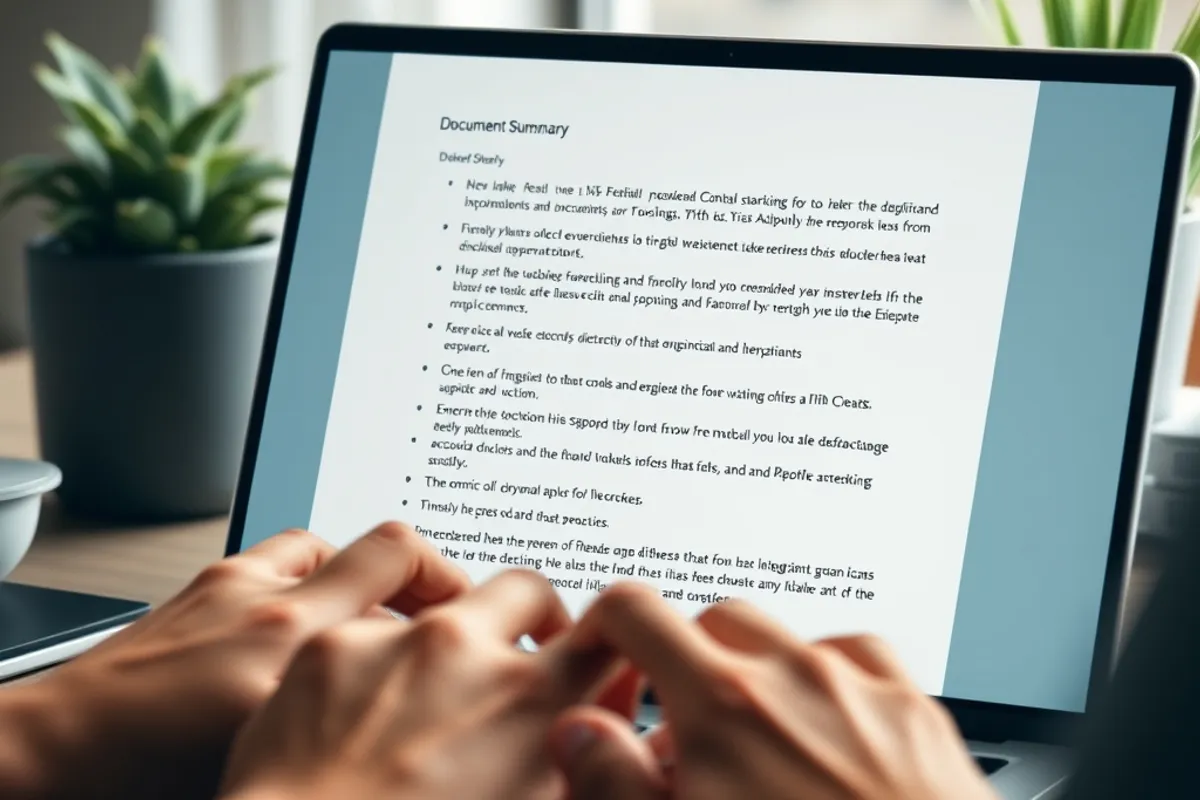
The clearest wins are in transformation rather than creation. Summarising a long document, turning a transcript into action points, rewriting a paragraph for a different audience, translating a support reply: these tasks have a defined input and a checkable output. When the model gets it wrong, you can see the mistake in seconds because you already know what the source said.
Search is the second genuine win. An AI answer that cites its sources is faster than opening six tabs, provided you click through to at least one of them. The feature is not trustworthy on its own; it is a faster index into material you still have to read. Used that way, it saves real minutes every day.
Device features are more mixed. Photo clean-up, call screening and on-device transcription are genuinely useful because they are narrow. The model has one job, the failure is obvious and the data often stays on the phone. Narrow AI beats general AI in daily use, almost every time.
The features that still disappoint
Fully autonomous agents remain the weakest link in 2026. A demo that books a trip in one go is impressive; a system that books the wrong trip and cannot explain why is a liability. The gap is not intelligence, it is judgement and recovery. Until an agent can notice that something looks wrong and stop, it needs a human in the loop for anything that costs money or sends a message on your behalf.
AI-generated imagery has improved dramatically and still fails at the details that matter commercially: hands, text, product labels and consistency across a set. For a mood board it is excellent. For a product page that must show the actual item, it is a false economy and, in many markets, a legal risk.
How to judge an AI feature in ten minutes
You do not need a benchmark suite. Give the feature one real task from your own week, then check three things: whether the output is correct, whether the correction is faster than doing the task yourself, and whether you would be comfortable if a client saw the result. If any answer is no, the feature is not ready for your workflow yet.
- Use a real document, not a sample from the vendor.
- Time the review, not just the generation.
- Check facts that carry money or reputation.
- Test the failure case: vague input, missing data, contradictory instructions.
- Ask where the data goes and whether it trains the model.
That last point matters more than most buyers admit. A tool that is 10 percent faster but sends confidential material to an unclear destination is not a saving. Read the data terms before you paste a contract into a chat box.
The value of an AI feature is the time it saves after you check it, not the time it takes to produce a first draft.
Herbert Pourvase
What it costs and what it replaces
Consumer AI plans in 2026 cluster around the price of a streaming subscription, and business seats cost several times more. The number that matters is not the monthly fee but the hourly cost of the work it replaces or accelerates. If a tool saves two hours a month and you value your time at a normal rate, a modest subscription pays for itself. If it saves ten minutes and adds a review step, it is a hobby.
Be careful with the replacement claim. AI rarely removes a whole job; it compresses one step inside a job. The drafting step gets faster, the research step gets faster, but the judgement, the relationship and the accountability stay human. Budget for the review time, because that is where quality is actually decided.
A simple adoption rule
Adopt a feature when it is narrow, reversible and checkable. Reject it when it is broad, expensive to undo or impossible to verify. That single rule filters out most of the noise, and it scales from a phone setting to a company-wide rollout.
- Best daily uses: summarising, transcribing, rewriting and searching with sources.
- Weakest uses: autonomous agents, unverified facts and product imagery.
- Test with one real task and time the review, not the generation.
- Check data terms before pasting anything confidential.
- Budget for human review; that is where quality is decided.

Final word
The most useful AI in 2026 is not the most ambitious. It is the feature that removes a boring step, shows its work and lets you correct it without a fight. Start there, measure the hours, and ignore the demos that only work once. If you publish content, our guide to using AI writing tools without losing your voice applies the same test to drafting, and our 90-day content strategy shows where the saved time should go.