
Smartphone Battery Health in 2026: Habits That Add Years
Phone batteries rarely fail suddenly. They lose capacity through heat and habit, and the fix costs nothing but a few changed routines.
A phone battery does not fail on a schedule. It loses capacity through heat, time at high charge and the small daily habits nobody thinks about, and then one day the phone that used to last until dinner needs a charger by lunch. The decline is gradual enough that owners blame an update instead of the real cause.
The good news is that most of the damage is avoidable, and none of the fixes cost money. This guide covers what actually ages a lithium battery in 2026, the settings worth changing, and when a replacement is the smarter move than a new phone.
What actually ages a lithium battery
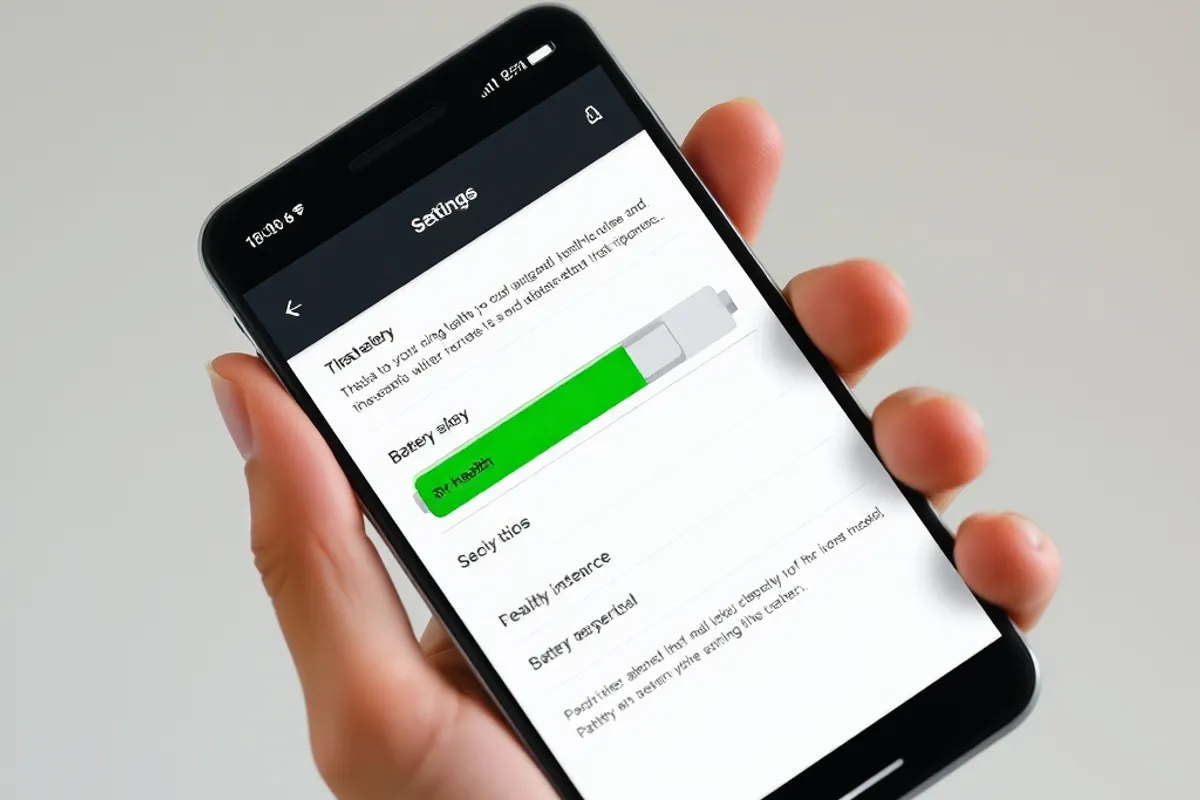
Three things dominate: heat, time spent at very high or very low charge, and the number of full cycles. Heat is the worst because it accelerates every chemical reaction inside the cell, including the ones that degrade it. A phone left on a car dashboard in summer can lose more capacity in an afternoon than in a month of careful use.
Charge level matters too. Lithium cells are happiest in the middle of their range, roughly between 20 and 80 percent. Sitting at 100 percent for hours, especially while warm, puts stress on the cathode. Sitting at 0 percent for weeks can permanently damage a cell, which is why a phone stored in a drawer should be left around half charge.
Charging habits that add years
You do not need to babysit the battery. Modern phones have charge limiting and adaptive charging that handle most of this for you. Turn on the setting that caps charging at 80 or 85 percent if you mostly charge overnight, and let the phone learn your routine. If you need full capacity for a long day, charge to 100 percent just before you leave rather than leaving it full all night.
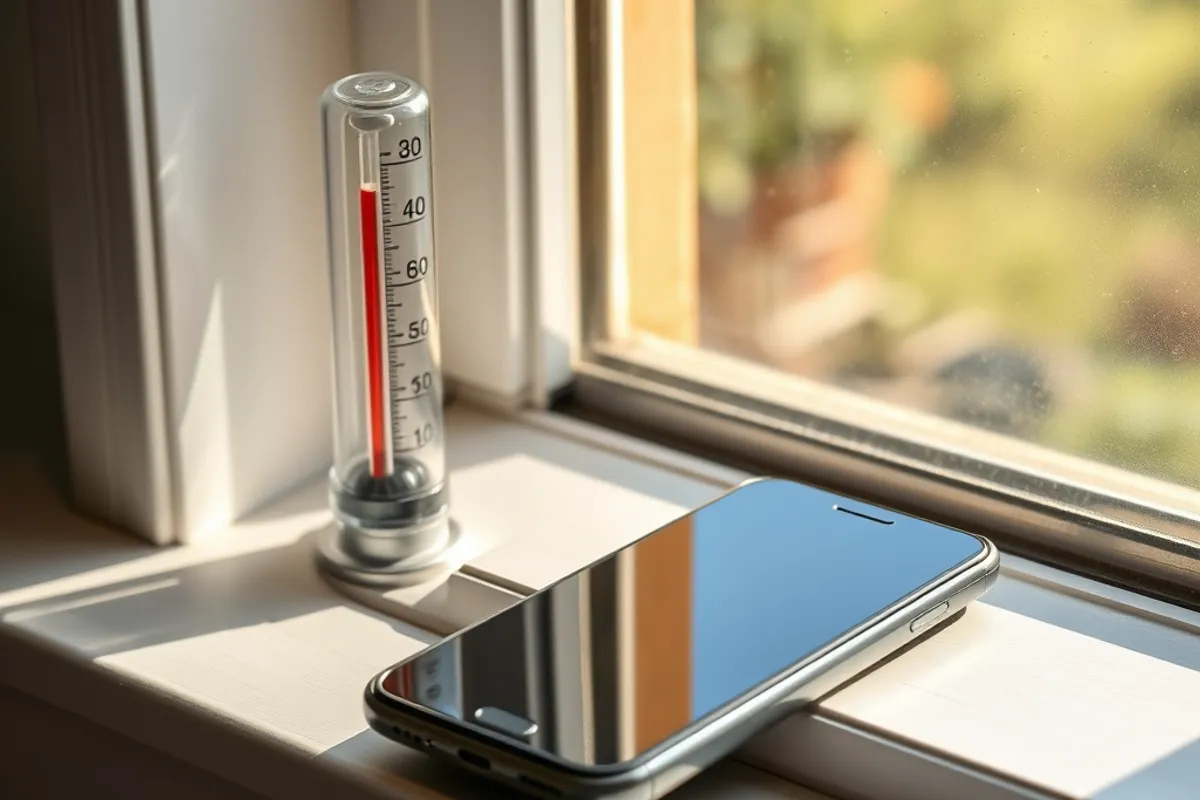
Use the charger that came with the phone or a reputable equivalent. Fast charging is fine in moderation, but it generates heat, so avoid fast charging in a hot car or under a pillow. Take the case off if the phone gets warm, and never charge a phone that has been in direct sun until it has cooled down.
Settings worth changing today
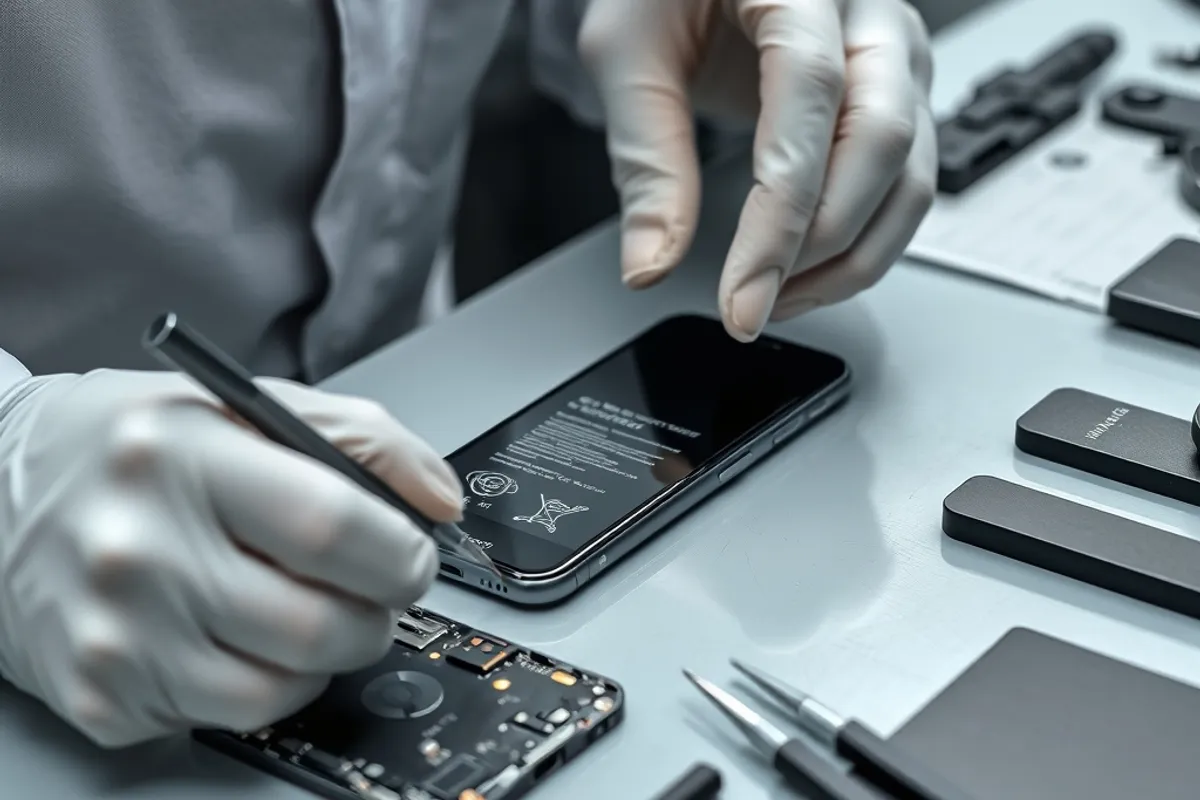
Screen brightness and refresh rate are the biggest controllable drains. Most phones default to a high refresh rate that looks smooth and costs battery; switching to a standard rate when you are away from a charger is a reasonable trade. Dark mode helps on OLED screens, and shortening the screen timeout saves more than people expect.
- Enable optimized or adaptive charging.
- Cap charge at 80-85 percent if you charge overnight.
- Lower refresh rate when battery matters more than smoothness.
- Turn off background refresh for apps you rarely open.
- Keep the phone out of direct sun and off hot surfaces.
Be sceptical of "battery saver" apps that promise to fix things. The operating system already manages background activity, and a third-party app that constantly monitors the battery is another process using it. The built-in tools are enough.
Battery capacity is lost in heat and recovered by nothing. The cheapest upgrade is a cooler charging routine.
Daniel Okafor
When to replace the battery instead of the phone
Most phones in 2026 are powerful enough for years of normal use. If the only real problem is that the battery no longer lasts, a replacement is usually a fraction of the price of a new device and takes an hour at a reputable shop. Check the battery health figure, the number of charge cycles and whether the phone still receives security updates before you decide.
Replace the phone when the battery is not the only issue: the screen is cracked, the charging port is loose, the software no longer gets updates or the camera has fallen far behind what you need. Otherwise, a new cell is the greener and cheaper choice.
Winter and travel
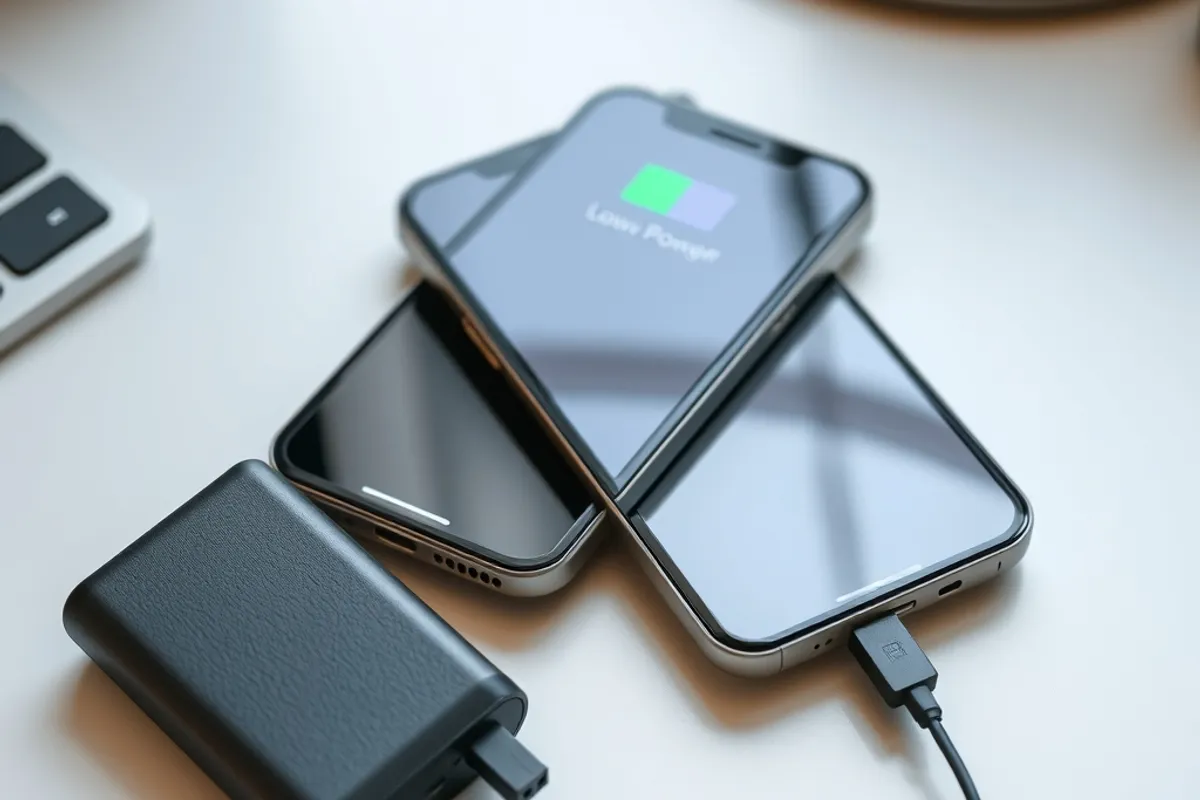
Cold weather makes a weak battery look worse than it is. A phone that shuts down at 20 percent in freezing conditions may be fine indoors; keep it in an inside pocket and let it warm up before you trust the reading. For travel, charge to about 80 percent, enable low-power mode and carry a small power bank rather than relying on airport outlets.
- Heat is the biggest enemy; avoid sun, dashboards and pillows.
- Keep the cell between roughly 20 and 80 percent when convenient.
- Use built-in charge limiting and adaptive charging.
- Replace the battery before replacing a working phone.
- Expect cold weather to exaggerate a weak cell.
Final word
Battery health is one of the few parts of phone ownership you can influence for free. Keep the device cool, avoid long stretches at the extremes, and replace the cell when it wears out. That routine will keep a good phone useful for years longer than the upgrade cycle suggests. If your next decision is about connectivity, read our 5G versus Wi-Fi 7 guide, and for the wider device picture see AI in everyday technology.