
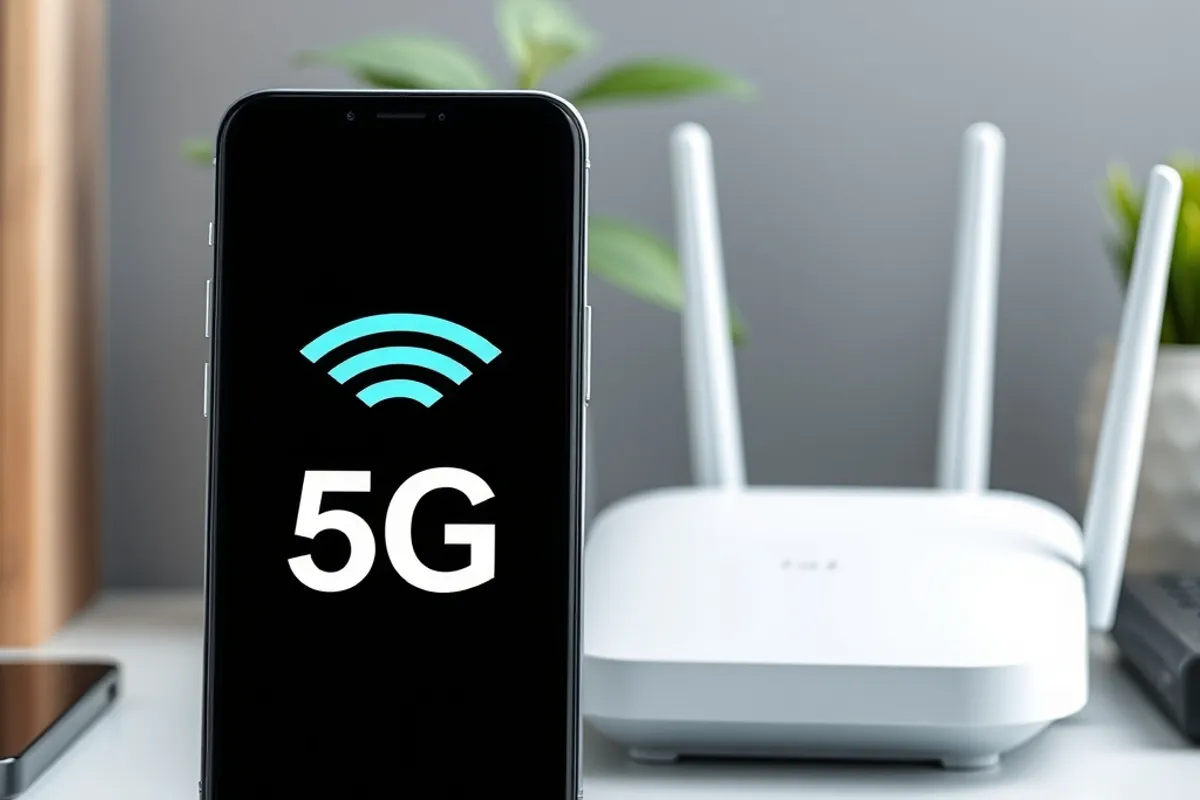
5G vs Wi-Fi 7: What the Difference Means for Daily Speed
Both are sold as fast. In practice one is better for a train and the other for a flat, and the difference shows up in battery and latency more than in headline numbers.
5G and Wi-Fi 7 are both marketed with numbers that sound like a typo. In practice they solve different problems: one is a wide-area connection you carry with you, the other is a short-range network you control. Choosing between them is less about headline speed and more about where you are, what you are doing and how much battery you are willing to spend.
This guide compares the two in the conditions people actually encounter in 2026: a flat with several devices, a train, a café and a home office. It also covers the settings and hardware that decide whether you get the promised performance or a marketing sticker.
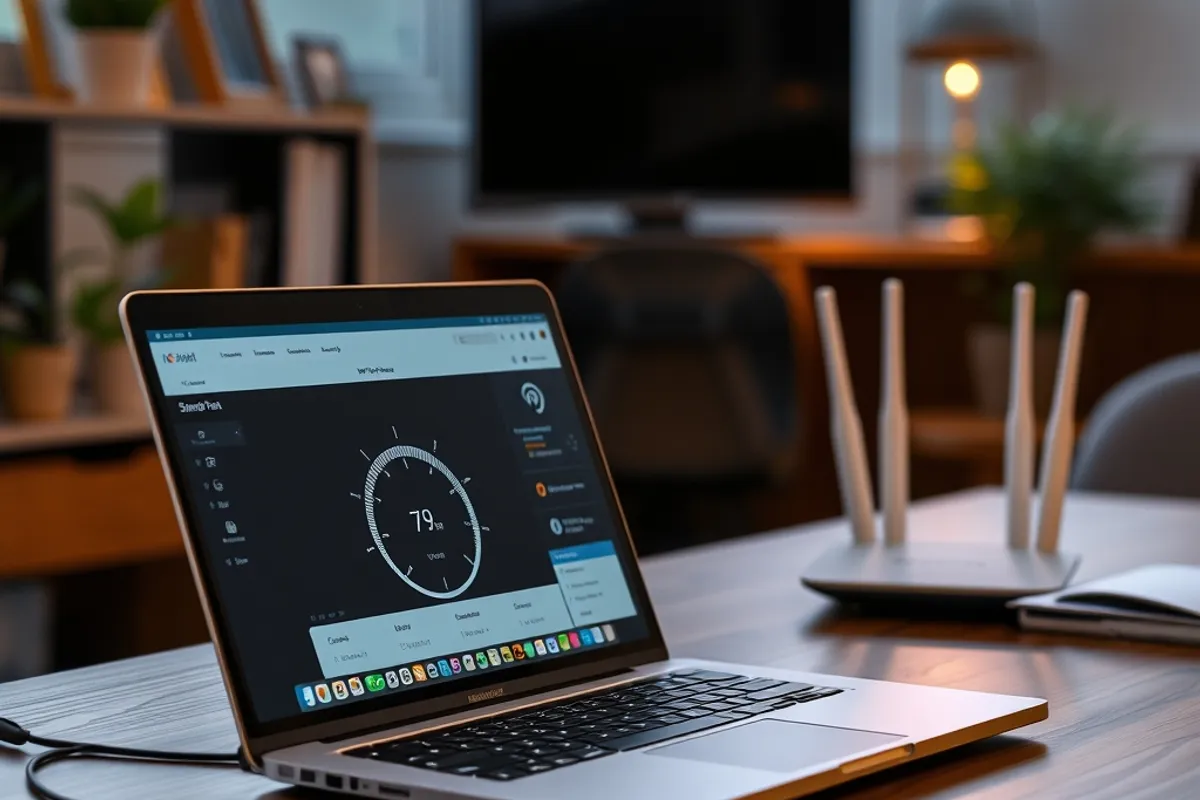
What each technology is actually for
5G is a cellular standard. It connects your phone to a carrier's network across a city, with handover between towers and a billing relationship behind it. Its advantage is coverage and mobility. Its weakness is that you share capacity with everyone nearby, and signal strength depends on walls, weather and how close you are to a mast.
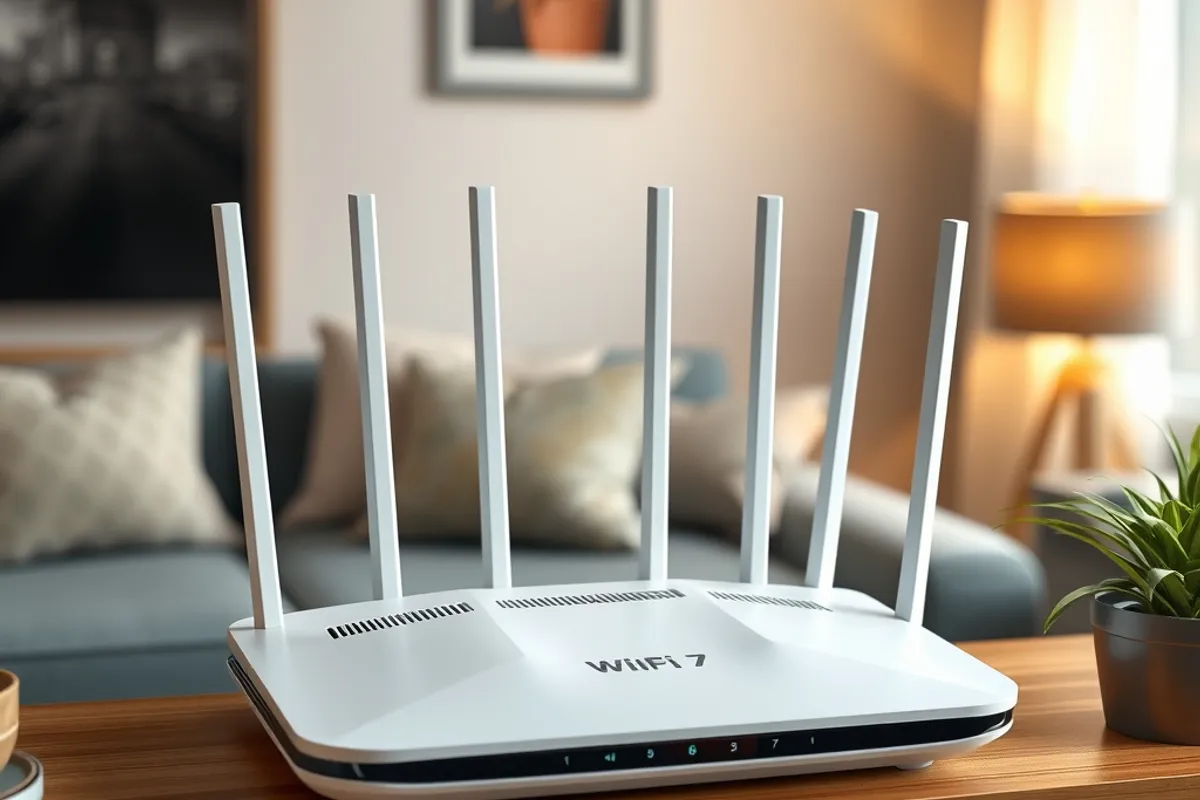
Wi-Fi 7 is a local standard. It connects devices to a router you own, usually over fibre or cable. Its advantage is control: you choose the router, the channel and the security. Its weakness is range. A Wi-Fi signal weakens through walls, and the fastest speeds only exist close to the access point on compatible hardware.
Real-world speeds and latency
On a good 5G connection in a city, downloads in the hundreds of megabits per second are common, and latency is usually good enough for video calls and cloud apps. On a congested network at a stadium or a station, the same phone can drop to single digits. That variability is the honest story of mobile data: excellent in the best spot, unpredictable in the worst.
Wi-Fi 7 on a modern router can exceed a gigabit locally, but your internet plan is the real ceiling. The bigger gain is not raw speed; it is efficiency. Wi-Fi 7 handles many devices at once better than older standards, which matters in a home with phones, laptops, televisions and smart speakers all competing.
Battery, cost and congestion
Mobile data costs battery. A weak 5G signal makes the modem work harder, and that shows up as heat and drain. If you are stationary and have Wi-Fi, use it. If the Wi-Fi is weak, mobile data may actually be the more efficient choice, which is why the "always use Wi-Fi" rule is too simple.
Cost is the other divider. A fibre connection with a good router is usually cheaper per gigabyte than a mobile plan, and it does not count against a data cap. Mobile data is priced for convenience. For a home office that moves gigabytes a day, Wi-Fi is the sensible default and mobile data is the backup.
- Use Wi-Fi for stationary work, updates and backups.
- Use 5G when moving, or when the local Wi-Fi is weak.
- Test both in the exact spot where you work.
- Prefer 5 GHz or 6 GHz bands for speed at short range.
- Keep a mobile hotspot as a fallback, not a primary plan.
The fastest connection is the one that stays stable while you are actually using it.
Priya Raman
What to buy and what to skip
If your current router is more than five years old and your home has more than ten connected devices, a Wi-Fi 7 router is a reasonable upgrade, provided your devices support it and your internet plan is fast enough to notice. If your plan is modest, a good Wi-Fi 6 router will feel identical and cost less.
On the mobile side, a 5G phone is now standard, but the difference between mid-band and millimetre-wave 5G matters more than the logo. Mid-band is the practical workhorse; millimetre-wave is fast and short-range. Ask your carrier which bands cover your area before paying a premium for a handset that promises speeds you will rarely see.

Security on public networks
Public Wi-Fi is convenient and should be treated as untrusted. Use HTTPS, avoid logging into sensitive accounts on a network you do not control, and prefer your phone's hotspot for banking. A VPN helps on unfamiliar networks, but it does not fix a malicious hotspot; it only protects the traffic after it leaves your device.
- 5G wins on mobility; Wi-Fi 7 wins on control and cost per gigabyte.
- Real speed depends on congestion, distance and your plan.
- Weak signal drains battery faster than a strong one.
- Upgrade the router only if your devices and plan can use it.
- Treat public Wi-Fi as untrusted and use HTTPS.

Final word
Do not choose a side. Use Wi-Fi for the places you stay and 5G for the places you go, and test both where the work happens. That habit beats any specification sheet. If you are trying to make a phone last longer on either network, our battery health guide covers the settings that matter, and our web design trends piece explains why page weight still decides how fast a site feels.