

Web Design Trends 2026: What Belongs on a Real Business Site
Every year brings a new visual fashion. The trends worth adopting are the ones that make a page faster, clearer or easier to use on a cheap phone.
Web design trends arrive as portfolio pieces and leave as maintenance debt. A layout that wins an award on a large monitor can be unusable on a mid-range Android phone, and the motion that felt delightful in a case study can add a second to every page load. The useful question is not what looks new, but what helps a visitor understand the page and act on it.
This guide filters the 2026 trends through that question. Some are worth adopting now, some are worth watching, and a few are actively harmful for a small business site that needs to rank, load and convert.
The trends worth adopting
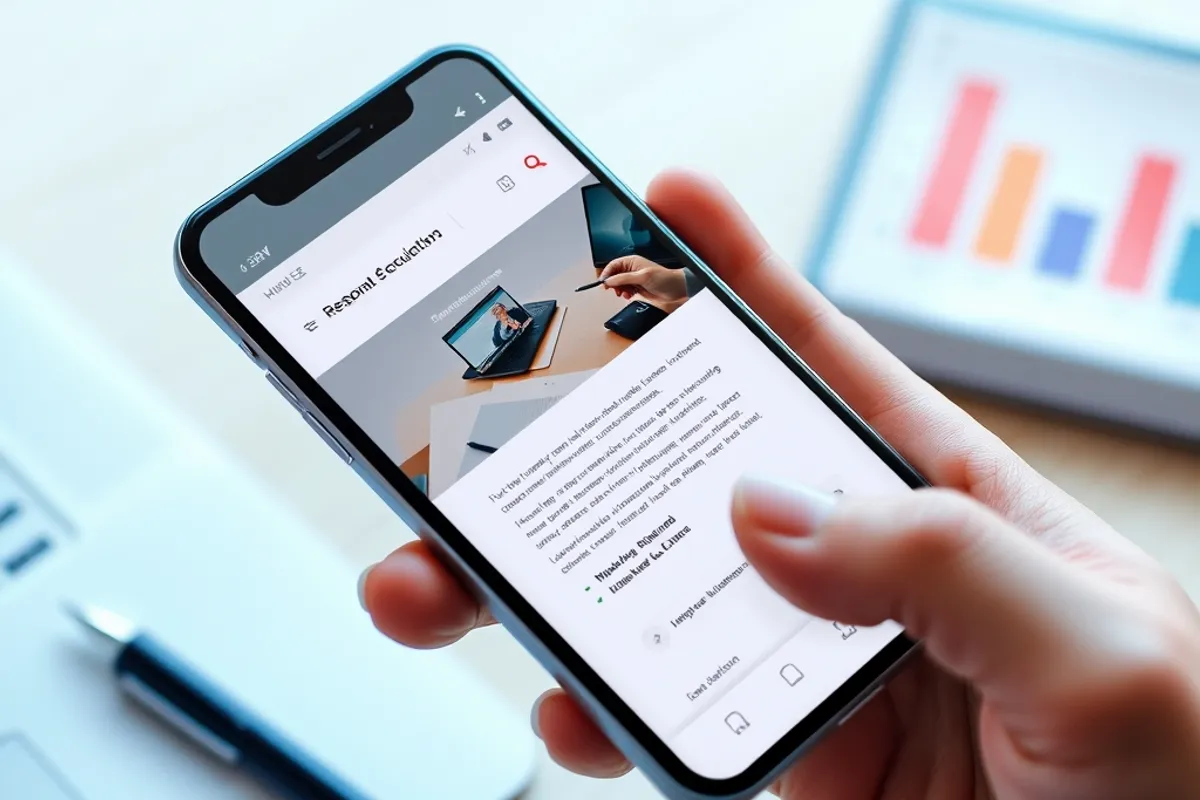
The strongest trend of 2026 is restraint. Fewer fonts, fewer colours and more whitespace consistently outperform busy layouts in testing, because they reduce the work a visitor has to do. A clear hierarchy, one primary action per screen and readable body text are not exciting, but they are what converts.
Accessibility has moved from compliance checkbox to design advantage. Large tap targets, strong contrast, visible focus states and captions on video make a site usable for more people and faster for everyone. Search engines reward the same things, so the business case is no longer separate from the ethical one.
Performance-first design is the other keeper. Designing with a budget for images, fonts and scripts forces better decisions early, when they are cheap. A page that loads in under two seconds on a mid-range phone will beat a prettier page that takes six, especially on mobile where most traffic arrives.
The trends to watch, not copy
Scroll-driven animation is impressive when it is subtle and exhausting when it hijacks the page. If a visitor cannot scroll at their own speed, or if the animation blocks content until a script loads, the design is fighting the reader. Use motion to explain a change, not to prove that someone can code.
AI-generated layouts and copy are spreading fast, and the result is a sameness that hurts brands. The tools are useful for exploring structure, but a page assembled from averages has no reason for anyone to remember it. Use them to draft options, then make the decisions yourself.
Typography and colour in practice
Variable fonts let one file cover multiple weights, which saves requests and gives designers more control. The trap is using five weights because they are available. Two weights and a clear size scale will do more for legibility than a fancy display face. Body text should be at least 16 pixels, with a line height around 1.5 and a measure of roughly 60 to 75 characters.
- Use one or two typefaces, not four.
- Set body text at 16px or larger with generous line height.
- Keep contrast high; test with a checker, not by eye.
- Limit the palette to a primary, a neutral and one accent.
- Design focus and hover states before you need them.
Colour is where brand ambition often beats usability. Pale grey text on white looks elegant in a mockup and disappears in sunlight. Dark mode is worth supporting, but only if you test the images, the form fields and the error messages, not just the homepage.
Good design removes decisions from the visitor. Bad design makes them guess what the page wants.
Sofia Bergman
What actually converts
Clarity beats cleverness. A headline that says what the business does, a subhead that names who it is for, and a visible next step will outperform a poetic hero section every time. Put the price or the starting price on the page if you can; hiding it creates suspicion and wastes everyone's time.
Forms are where good design pays for itself. Ask for the minimum, label every field, show errors next to the field and confirm success clearly. Every extra required field costs completions, and a vague error message costs trust. Test the form on a phone with one hand, because that is how most people will use it.
Designing for trust
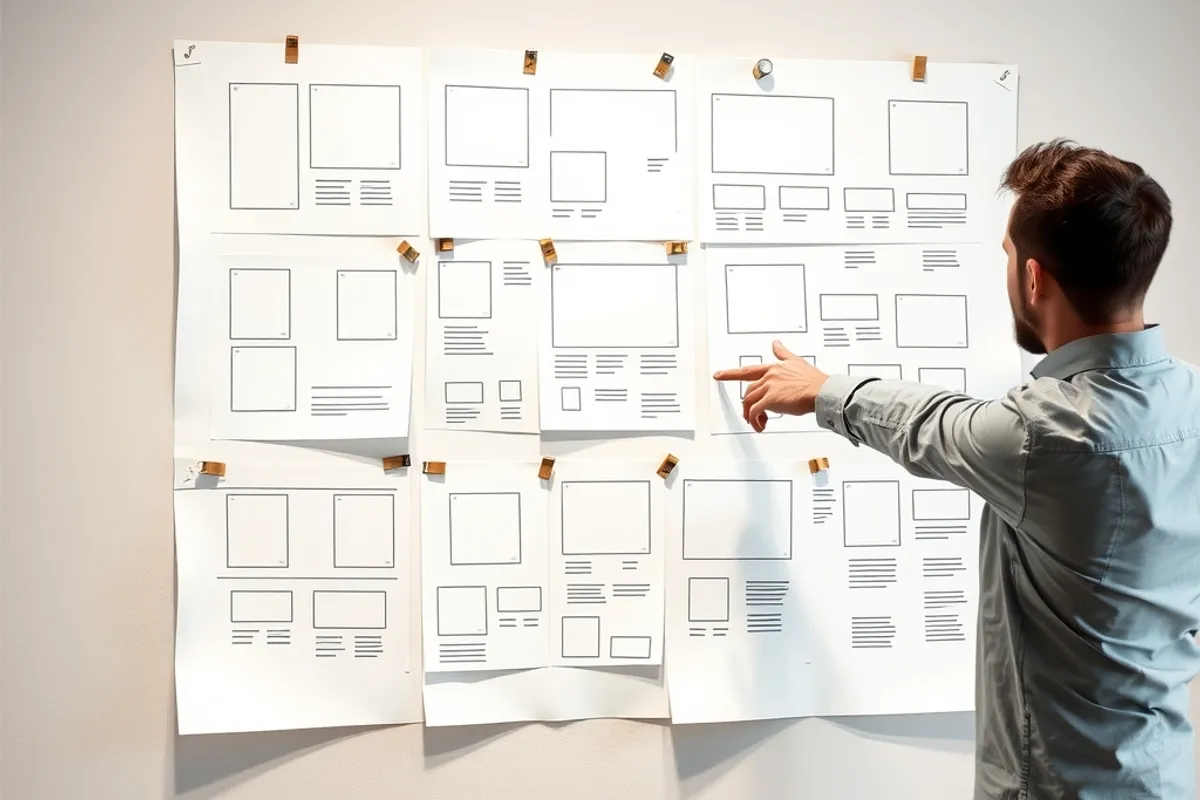
Trust signals are not decorative badges. A real address, a named team, clear contact details and a privacy page do more than a stock photo of a handshake. Show the work: case studies with numbers, testimonials with a full name and a link, and a plain explanation of what happens after someone gets in touch.
- Adopt: restraint, accessibility, performance budgets and clear hierarchy.
- Watch: scroll animation and AI-generated layouts; use with judgement.
- Set body text at 16px or more with strong contrast.
- Put the next step and the price where visitors can see them.
- Design and test forms on a phone before launch.
Final word
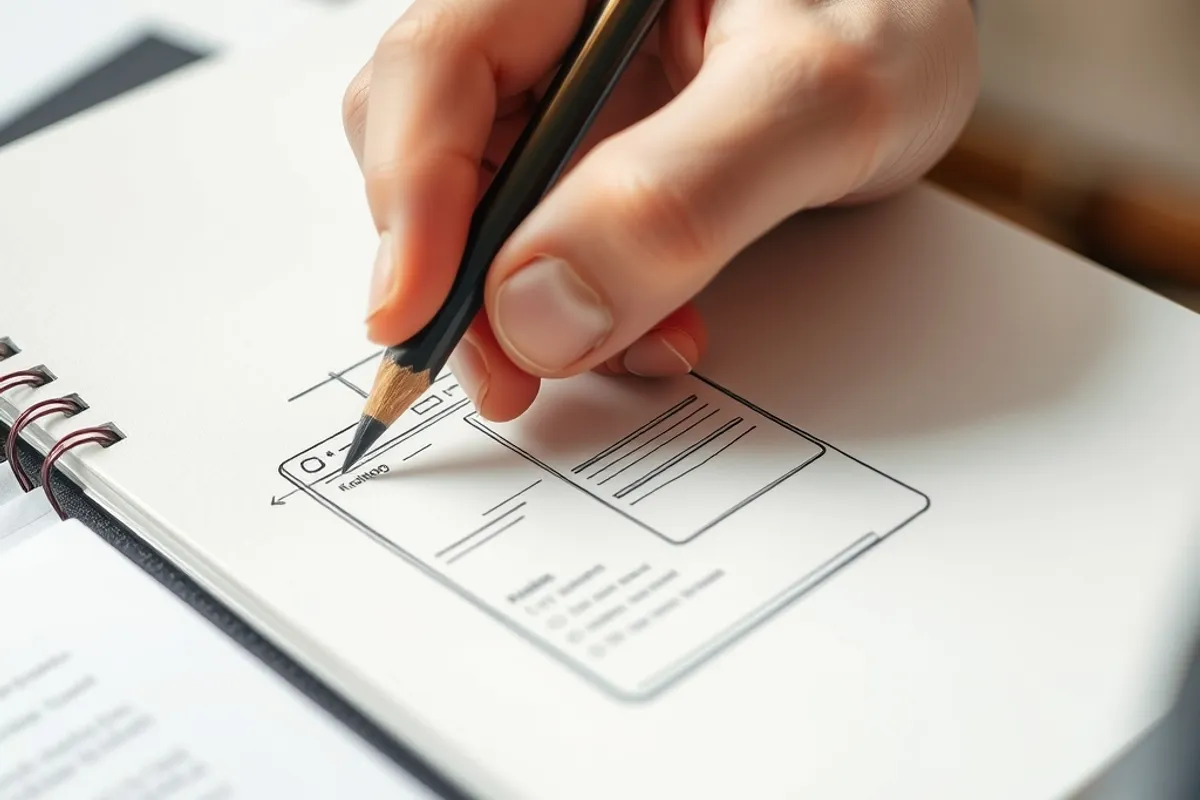
The best trend to follow in 2026 is the one that makes the site faster, clearer and easier to use on a cheap phone. Everything else is decoration with a deadline. Once the structure is right, measure the result: our Core Web Vitals guide shows which numbers to watch, and our content strategy explains how design and publishing reinforce each other.