
Automation Without the Hype: Workflows That Save Real Hours
Automation pays off when the process is boring and repeatable. It fails when nobody mapped the exceptions, and the exceptions are where the hours hide.
Automation is sold as a way to remove work. In practice it moves work: from doing the task to designing, checking and fixing the automation. That trade is worth making when the task is boring, frequent and rule-based, and it is a trap when the task is rare, judgement-heavy or full of exceptions nobody wrote down.
This guide covers a practical method for finding and building automations that save real hours in 2026, including the checks that keep them from becoming a second job. It is aimed at small teams using everyday tools rather than engineers building a platform.
Find the work worth automating
Spend a week noting every task that feels repetitive, with the time it takes and how often it happens. Then rank by frequency times duration, and subtract the cost of checking. A task that takes two minutes but happens forty times a week is a better target than a monthly report that takes an hour, because the small task compounds and is usually simpler to automate.
Ignore anything that depends on judgement, negotiation or a relationship. Automating the first reply to a lead can work; automating the decision about whether to offer a discount cannot. The boundary is not technical, it is about what can be expressed as a rule you would defend.
Map the happy path and the exceptions
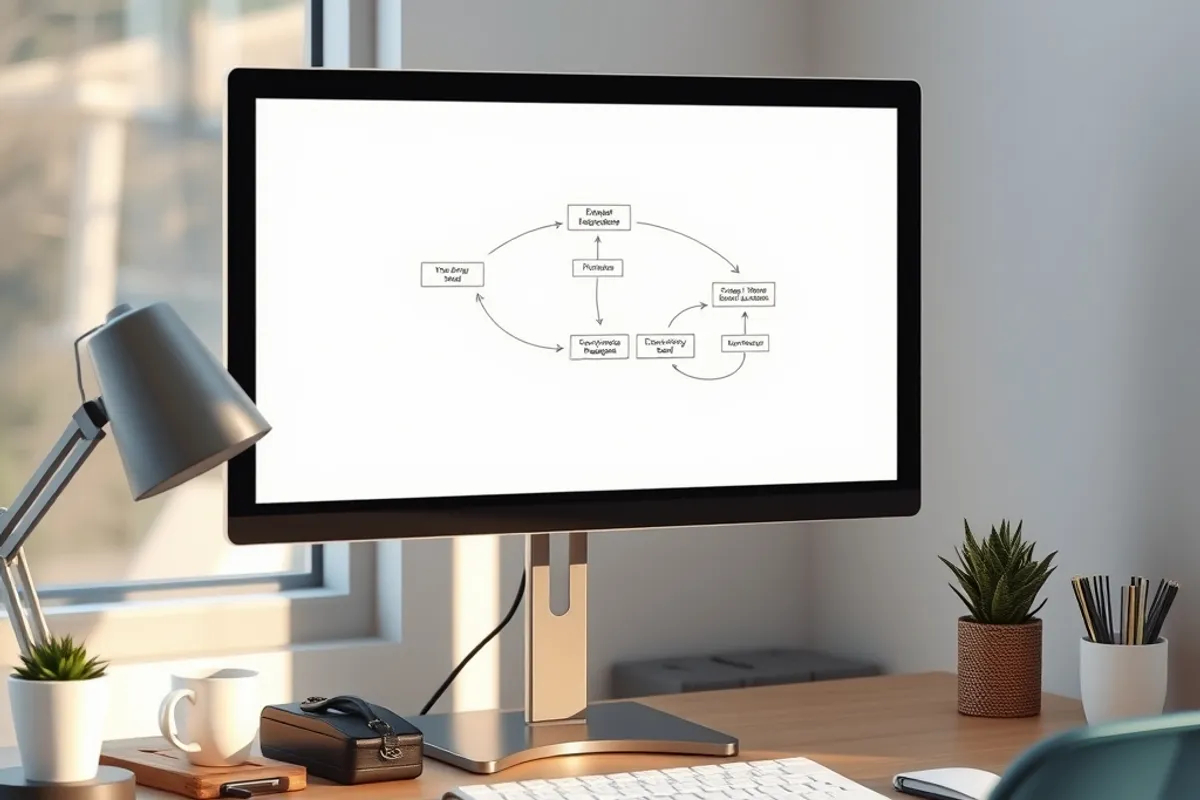
Write the process as a sequence of steps with a clear trigger and a clear end. Then list everything that can go wrong: missing data, duplicate records, a customer who replies twice, a payment that fails. The exceptions are where automations fail, and the teams that skip this step spend their saved time fixing mistakes.
Decide what should happen for each exception. Usually the answer is "stop and ask a human", and that is fine. A workflow that pauses and flags an unusual case is more valuable than one that guesses and creates a mess.
Build in small, reversible steps
Start with one trigger and one action. Test it with real data, not a sample, and watch it for a week before adding the next step. Keep a written note of what the automation does, who owns it and how to turn it off. That note is the difference between an asset and a mystery.
- One trigger, one action for the first version.
- Test with real records, including an empty field.
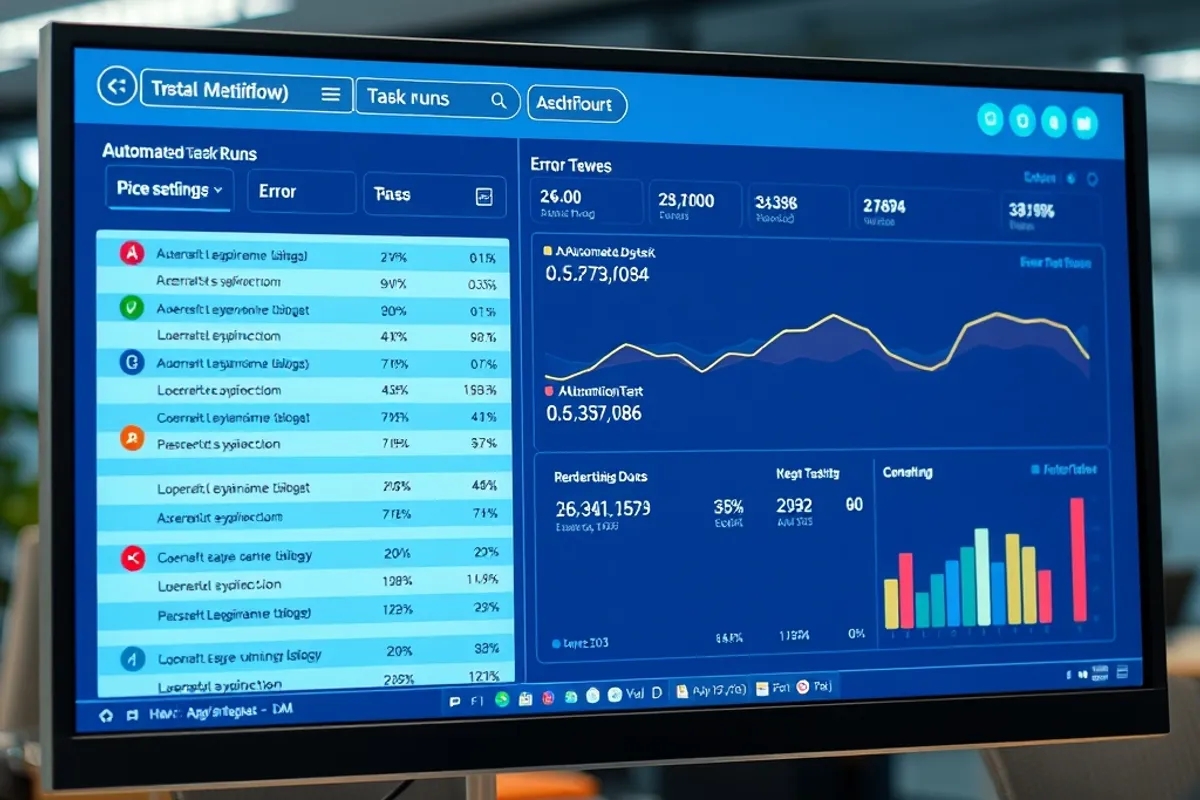
- Log every run so failures are visible.
- Send a notification when the workflow stops.
- Document the off switch and the owner.
Use the simplest tool that can do the job. A spreadsheet formula or a built-in rule is easier to maintain than a chain of five services, and it breaks less often. Complexity is a cost you pay every month, not a one-time purchase.
An automation you cannot explain in one sentence is an automation you cannot safely leave running.
Elena Marsh
Measure the saving honestly
Count the minutes the task used to take, the minutes it takes now, and the minutes spent maintaining the workflow. The last number is the one people forget. If the automation saves two hours a week and takes one hour a month to maintain, it is a good trade. If it saves twenty minutes and breaks every other week, it is a hobby.
Track errors too. A workflow that saves time but sends the wrong invoice once a quarter is not saving anything. The correct comparison is total cost, including the cost of trust lost when something goes wrong.
Security and access
Every automation needs credentials, and every credential is a risk. Use the minimum access required, rotate keys when someone leaves, and avoid storing passwords in a document that everyone can open. If a workflow touches customer data, check where that data is stored and who can see it. Convenience is not a reason to widen access.
- Rank tasks by frequency times duration, minus checking.
- Map exceptions before you build anything.
- Start with one trigger and one action, then test with real data.
- Log runs, alert on failure and document the off switch.
- Count maintenance time, not just time saved.
Final word
Automation pays when the process is boring, the rules are clear and the failure is visible. Start small, measure honestly and keep the off switch close. For the wider sequence of work, read our small-business innovation guide, and for the tools that assist the writing around it, see AI writing tools without losing your voice.